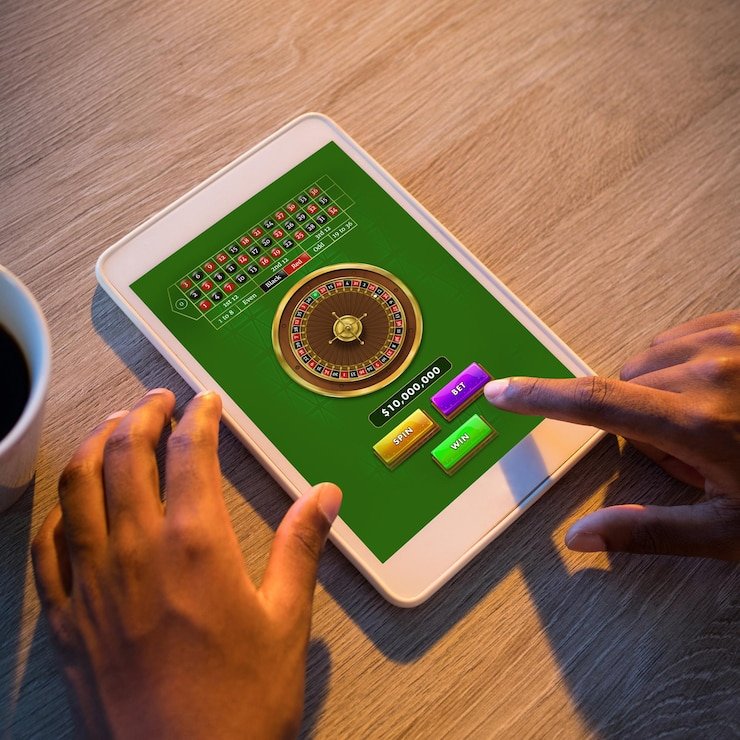
Installing liga8bet on Your Device
Installation paths
For Android users, we provide an APK file (Android Package) that you download directly from our website. This bypasses the Google Play Store and gives you the latest version without app-store review delays. Before installation, you must enable "Unknown Sources" in your device security settings—this allows your Android device to install apps from sources other than the Play Store. The APK is scanned for malware and cryptographically signed with our certificate; installation is safe.
For iOS users, we offer a progressive web app (PWA) that runs in Safari or your browser of choice. iOS restrictions prevent direct app installation outside the App Store, so our PWA approach gives you nearly all app features—offline caching, push notifications, account access—without requiring app-store approval. You can add the web app to your home screen (iOS calls this "Add to Home Screen") and launch it like a native app.
Four-step installation workflow
- Download: On Android, visit our website, tap the APK download button, and confirm the download. On iOS, open Safari, navigate to our app page, and select "Add to Home Screen." On web, simply visit liga8bet.id in any browser.
- Install: Android prompts you to install the APK; confirm the permissions (device storage, network access, camera for KYC photo uploads). iOS adds a home-screen icon instantly. Web requires no installation.
- Register or log in: Launch the app or open the web page. If new, create an account (username, email, password, mobile number). If existing, enter your credentials.
- Verify and deposit: Complete KYC (upload ID and address proof; review typically takes one business day). Once approved, select a payment method (DANA, e-wallet, mobile banking, local payment, online payment, e-wallet, or direct bank transfer to mobile banking, local payment, online payment, e-wallet) and deposit to start betting.
Native app versus browser access
Our native Android app outperforms browser access in several ways. The app caches game assets (images, sounds, game logic) on your device, so subsequent launches load instantly even on slow connections. Push notifications alert you in real-time—when a live-dealer table opens, when a bonus is credited, or when a settlement is pending. The app integrates with your device's credential store, so you do not need to re-enter your password after the first login. Browser access (iOS and web) offers similar functionality but relies on your internet connection for every asset load, which can lag on 3G or congested networks. Both paths use the same underlying account and balance; switching between app and browser does not disconnect you.

Device compatibility and requirements
We support Android 7.0 and above (released in 2016 and newer). Most devices in use today meet this threshold; if your device runs Android 6 or older, we recommend updating your operating system or using the web version via a modern browser. On iOS, Safari on iOS 12 and above is required; this covers most devices released in 2018 onwards. We do not have size restrictions; the app runs on phones with screens from 4.7" to 6.7" and on tablets. Internet connectivity (WiFi or mobile data) is required to place bets or access live tables; offline browsing of account history and settings is limited.
Troubleshooting common installation issues
If your Android device refuses the APK, check that "Unknown Sources" (or "Install apps from unknown sources") is enabled in Settings → Security. If the app crashes on launch, clear the app cache (Settings → Apps → liga8bet → Storage → Clear Cache) and restart. If login fails, verify your email and password; ensure your internet connection is stable. If push notifications do not arrive, check that notification permissions are granted (Settings → Apps → liga8bet → Permissions → Notifications) and that your device is not in "Do Not Disturb" mode. On iOS, if the home-screen app does not launch, delete the icon and re-add it via Safari (Address bar → Share → Add to Home Screen). If you encounter SSL certificate errors, restart your browser or update to the latest browser version. Our support team (in-app chat, email) responds within 24 hours if issues persist.
Data, permissions, and account security on mobile
The liga8bet app requests permission to access your device's internet connection (required), camera (for KYC photo uploads), and notification service (optional but recommended). We do not request access to your contacts, calendar, or SMS messages. All communication between the app and our servers is encrypted using TLS (Transport Layer Security); your login credentials and account balance are never transmitted unencrypted. We recommend enabling two-factor authentication (2FA) in your Account Settings; 2FA requires a code from your phone during login, preventing unauthorized access even if your password is compromised. When you log out, your session ends and your credentials are cleared from the device; logging back in is required to access your account. If you lose your device, contact our support team immediately; we can flag your account and disable active sessions from the lost device. All payment methods (mobile banking, local payment, online payment, e-wallet, mobile banking, local payment, and bank transfers) are processed through certified third-party processors that comply with PCI DSS standards; we do not store full payment card details on our servers.